
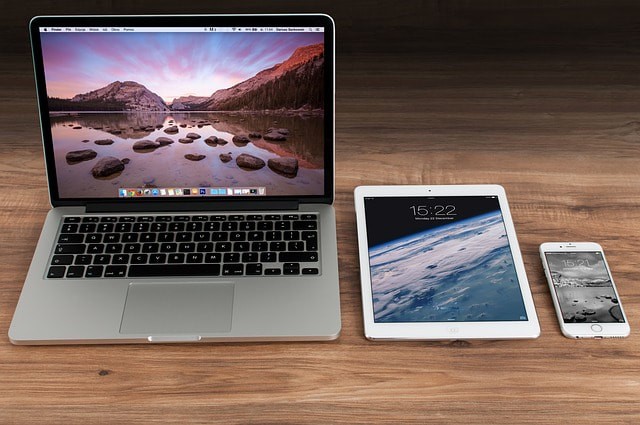
With Christmas fast approaching, you may be looking to buy a computer or laptop for someone on your list. If so, this post is for you! In addition to determining your budget, there are other factors to consider before finalizing your purchase.
Disclosure: This blog may contain affiliate links, which means we may earn a commission if you click a link and make a purchase (at no additional cost). We only recommend products and services we use and trust. We aim to provide valuable, trustworthy resources that enhance and simplify your life. You can read our full privacy policy here.
Use
How you, or the lucky recipient on your list, will use the computer plays a huge role in what you need to buy. Users who primarily read email, check social media, and use Office software are considered light users and thus require modest specs, such as an Intel Core i3 or i5, which come with a modest price tag.
On the other hand, users who will use their computer for high-end video games, virtual reality, or extensive video editing will want a faster processor and enhanced graphics capabilities. Look for options such as an Intel Core i7 processor, NVIDIA graphics, and 16GB or more of RAM.
Regarding storage, laptops often use solid-state drives instead of hard disks, making them thinner, smaller, and faster. They’re also prone to damage. As with children’s clothes or shoes, assume you’ll outgrow your storage needs quickly and buy more than you expect to need.

Operating System
Windows 11
Mac OS
Chromebook

Laptop or Desktop
Laptops are super portable and lighter than ever before. Adding to the line of portable options are “2-in-1s” that convert from tablet to laptop and back again. This is an excellent choice for professionals, students, and others on the go.
On the other hand, desktops can be a better choice for young children. They’re less expensive than laptops and, because they’re stationary, less likely to break. Old desktops had a monitor and a separate tower unit. Today, most desktops are sold as “all-in-ones,” meaning the computer hardware is built into the monitor and can be placed almost anywhere in the home. Gamers, however, often still prefer the tower models because they’re hardware, such as video cards, can be easily upgraded.
Buying a computer for Christmas isn’t as easy as picking one-size-fits-all gloves off the rack, but it is a gift your loved ones will be thrilled to see under the tree.
👉 Want More Expert Tips? Subscribe to our bi-weekly newsletter for the latest updates, insights, and valuable resources tailored just for you. Subscribe Now